[ 01 ]

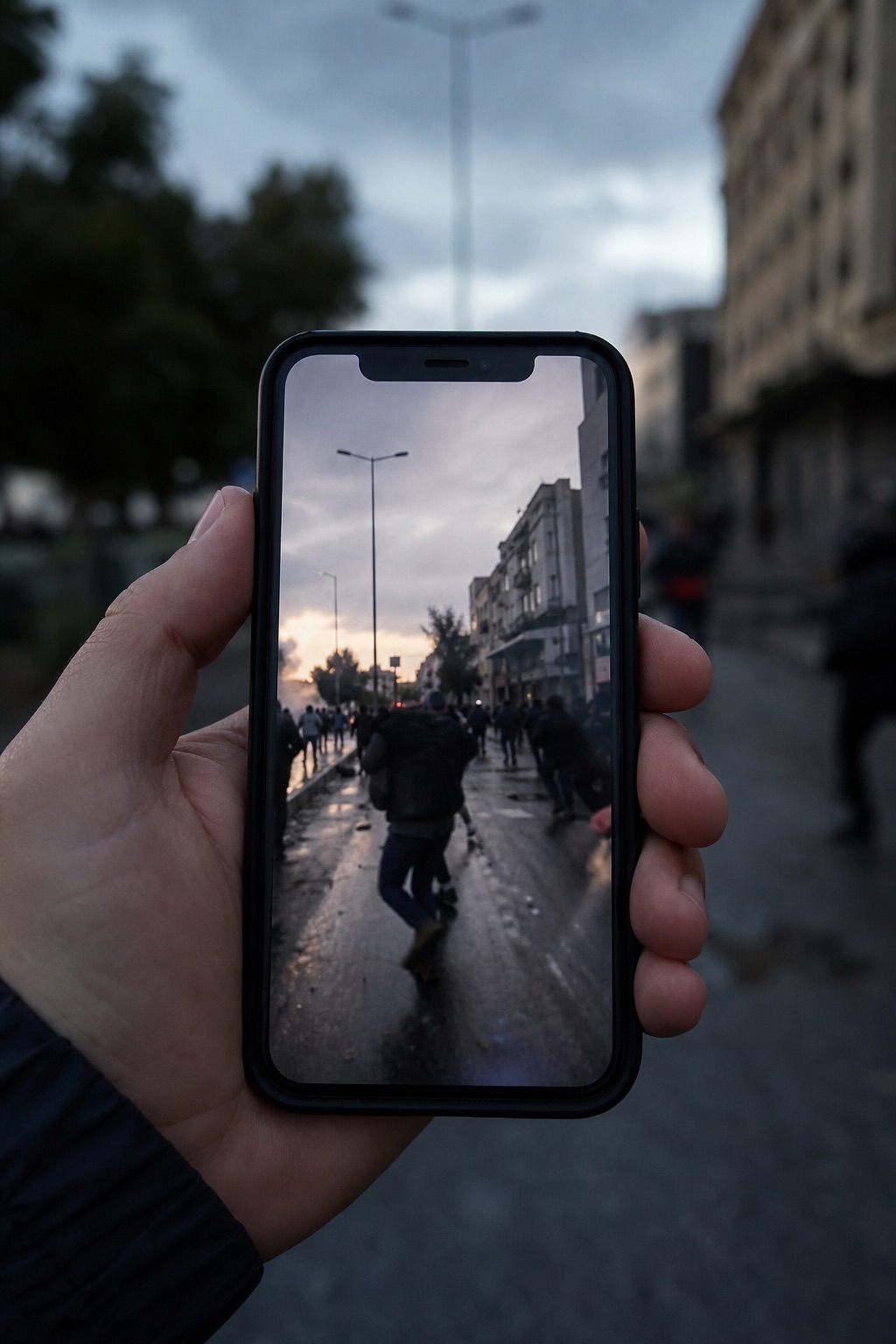
A source sends footage from a breaking event. Where was it really filmed?

Journalism / Verification

Journalist Image Geolocation

Verify where a photo or video was shot before you publish.

Get Pro
Journalist Image Geolocation

Phase 1

01:   The Problem
On deadline, you cannot publish a location you have not verified, and you rarely have reliable metadata. Manual geolocation is slow, and getting it wrong is a correction or worse.
On deadlineSeconds, not hours
No EXIFWorks on stripped media
Clues shownVerify before you publish
Journalist Image Geolocation
Analysis
Workflow
Evidence

Phase 2

02:   How It Works
01Upload the photo or a frame from the video.
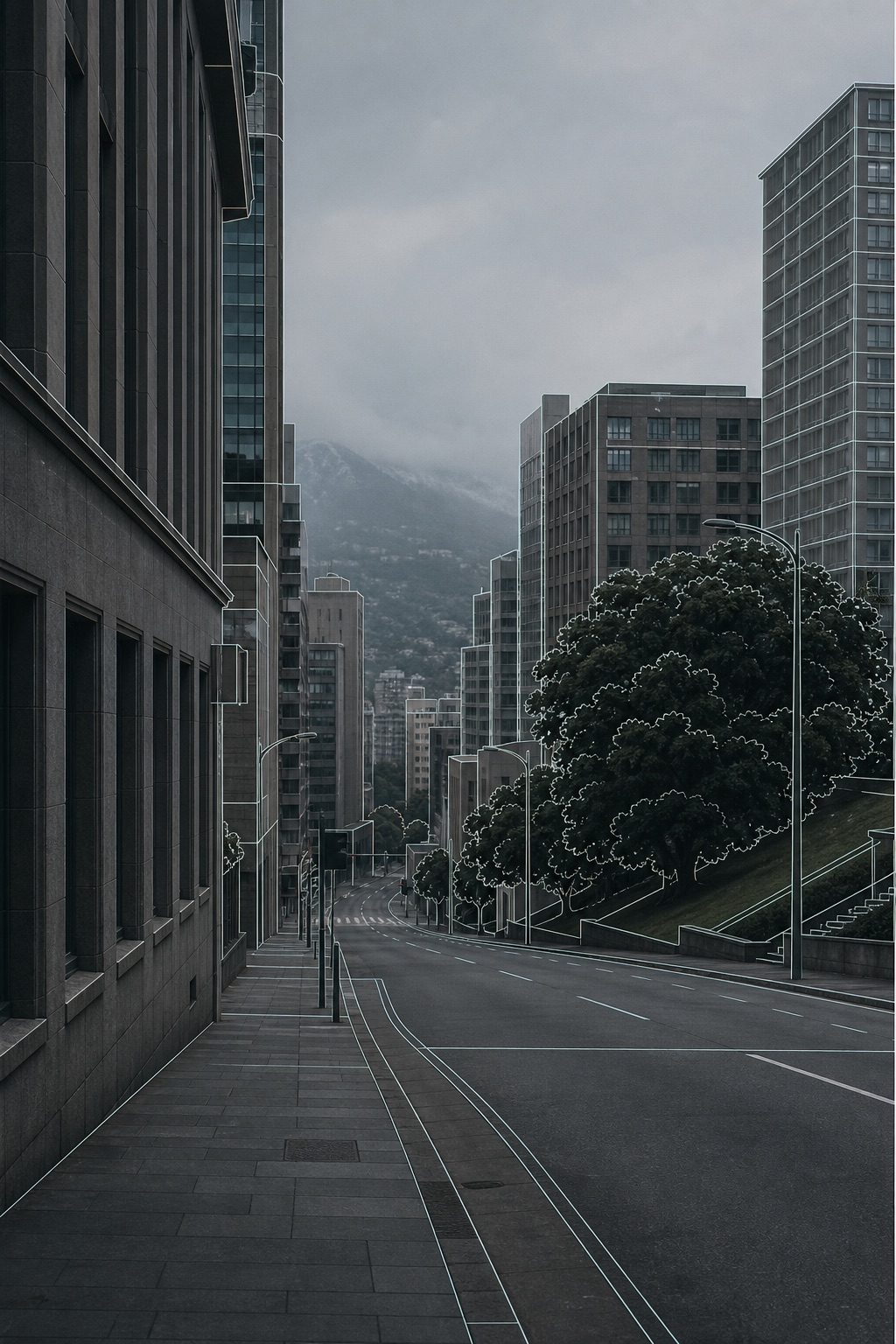
02Oceanir surfaces the visual clues behind its location read.
03A reality check against street-level ground truth gates confidence.
04Confirm against your own reporting before it goes to print.
Get Pro
Workflow

Phase 3

03:   Where It Is Used
Breaking-news verification
Confirm where footage was captured before you run it.
Source-content checks
Verify user-submitted images that arrive with no reliable location.
Debunking
Show when an image was not taken where it claims to be.
NewsroomsFact-checkersVerification desks
Use cases

Verify location before you publish

Geolocate photos and video frames on deadline, with the clues you need to stand behind the story.

Get Pro
Verify First
Then Decide

Why Oceanir

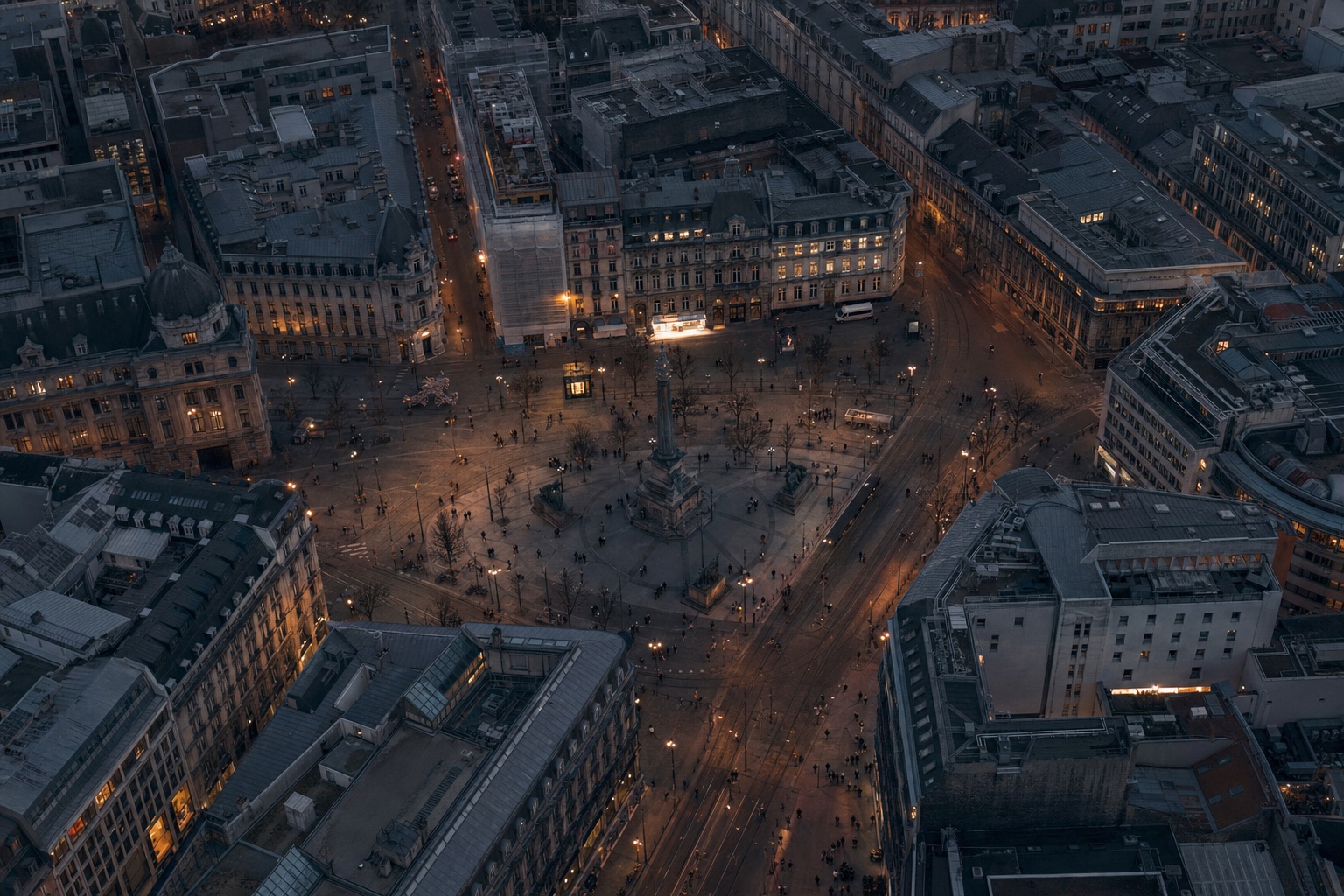
Oceanir shows the visible clues behind each location read and gates confidence with a reality check, so your desk can verify rather than trust a label. It works from the content of the image, not metadata, which is usually gone by the time footage reaches you.

Yes. Oceanir reads the visible content of the image, not EXIF or GPS, so social-media reposts and screenshots are still reviewable.

Yes. Each read surfaces the visual clues behind it, so your desk can verify the reasoning before publishing.

Seconds per image, which is the point on deadline. A reality check still gates confidence so a fast answer is not a reckless one.